Meet CIVIC.
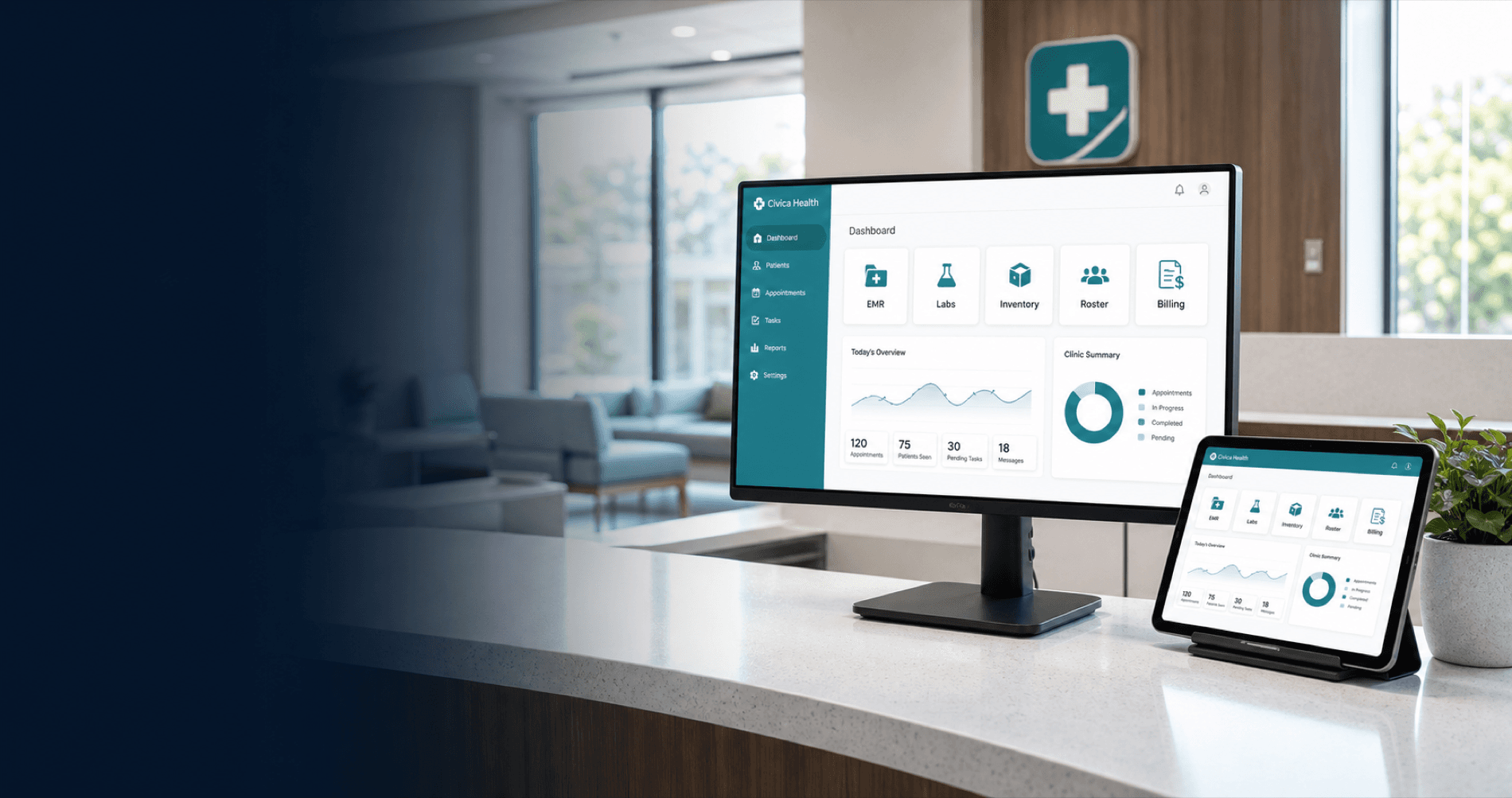
One login opens a dashboard of every tool your clinic runs on: records, labs, referrals, inventory, staffing, billing, AI assistants, and a portal for your patients. Click around below to see what each one does and how access really works.
9
tools, one dashboard
1
login for everything
100%
of sensitive actions audited
0
access by default, until the clinic admin grants it
Explore the tools
Pick a tool. See what it does.
Each card is one tool on the CIVIC dashboard. Click any of them for a plain-language tour of what your team gets.
EMR
Electronic medical records
The clinical heart of the platform. Patient charts, visits, and everything documented about a patient's care lives here.
Complete patient charts: visits, notes, vitals, meds, allergies, appointments
A built-in allergy safety check that blocks conflicting prescriptions
Labs, referrals, and patient messaging launched straight from the chart
Good to know: Every change to a chart is written to the audit log with who made it, what changed, and when.
Roles & access
Try on a role. Watch access change.
CIVIC has three kinds of people in a clinic: the clinic admin, staff members, and patients. Staff start with nothing. The clinic admin grants each tool as view-only or full-edit, per person. Switch roles below to see it in action.
A regular staff member whose clinic admin granted supervisor (full edit) access to specific tools. In this example: EMR, Labs, Inventory, and Scheduling.
The dashboard view is only the surface. Every launch and every action is re-checked on the server, and a greyed-out card is cosmetic; the real gate is the server refusing anything that wasn't granted.
Under the hood
How CIVIC protects patient data.
Tap any card to expand it. This is the foundation every tool above sits on.
Want to see CIVIC with your clinic's name on it?
Clinics apply in minutes; staff join with a code; the clinic admin decides who touches what.